Making videos Explainers Low effort10 min
Pick the right kind of music video for your song in 10 minutes
Choose between AI-generated scenes, stock footage, abstract visuals or filming yourself, and match your song to the right tool in about ten minutes.
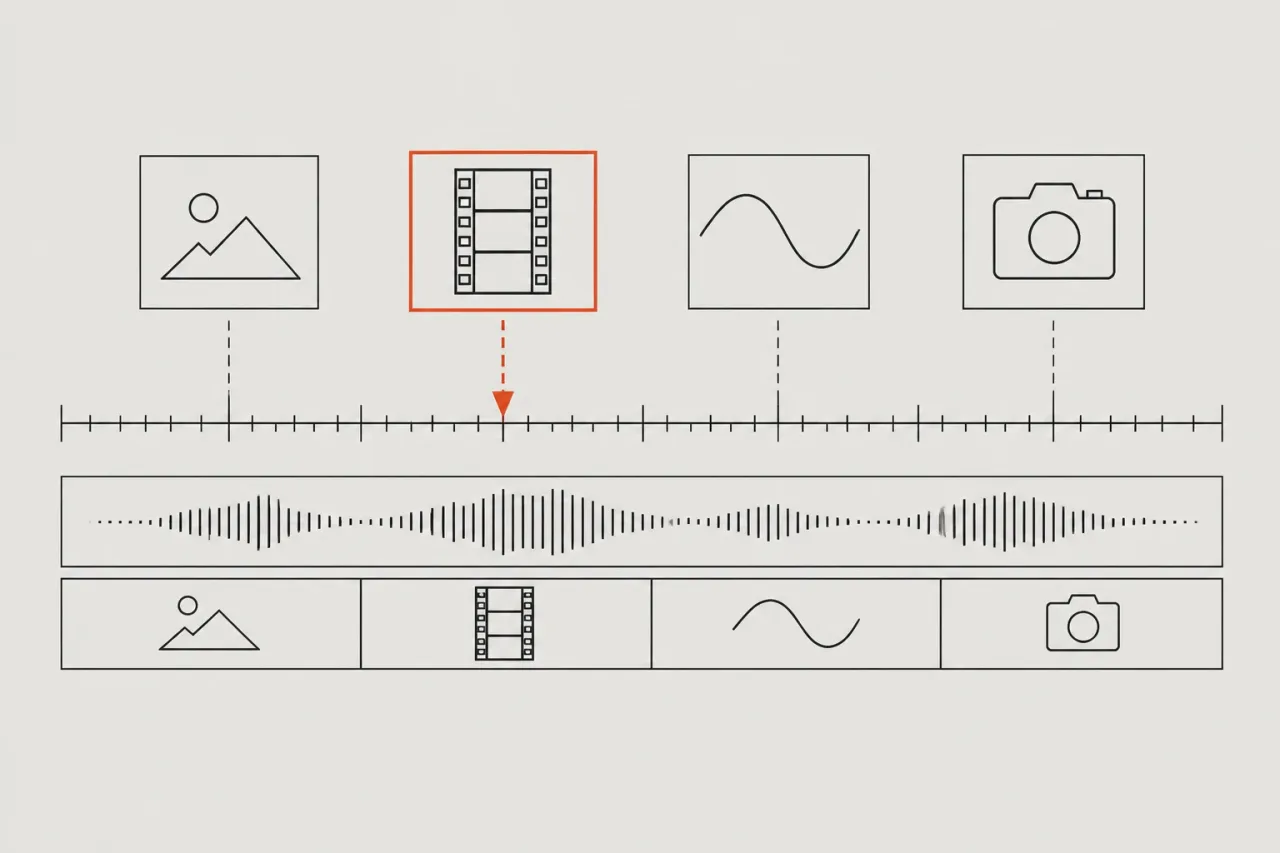
Which kind of video fits which song?
Match the video to what the song needs. If it needs a face singing it, use generated scenes with lip-sync. If it needs a real-world mood, use licensed stock footage. If it is an instrumental or a beat-led track, use abstract audio-reactive visuals. If you can film for 20 minutes, film yourself and edit it. Some generated tools start from one photo and one song, which suits people with no crew. That is a tendency, not a rule. A ballad sung by a pet and a drone track want different tools. The rest of this guide gives you a fixed order to decide in about ten minutes.
What do you need before you start?
You need five things, and none of them cost money.
- A finished track as an audio file. Note its length in minutes.
- Your first posting spot and its shape: 9:16 portrait for TikTok, Reels and Shorts, or 16:9 landscape for YouTube.
- Your best 15 seconds marked. The guide to picking the best 15 seconds of your song shows how.
- Permission for every photo, face, clip and song you plan to use. Only use what you own or have cleared. This is not legal advice.
- Ten minutes and a notes app.
No song yet? Suno makes the audio, not a video. Make the song there first, then come back.
How do you choose in ten minutes?
Work through these steps in order and stop at the first yes.
- Write down where you will post and the shape. One minute.
- Should a person, pet or drawing sing on screen? Yes means generated scenes with lip-sync.
- Is the song mostly sound, like an instrumental or a beat-led track? Yes means abstract audio-reactive visuals.
- Can you film 20 minutes on your phone? Yes means film yourself and edit.
- Still no? Use licensed stock footage cut to your track.
- Open the matching tool from the sections below and read what the free version gives you before you upload your song.
Steps 2 to 5 take about five minutes. Step 6 takes the rest.
When do generated scenes fit?
Generated scenes fit when you want a singer on screen and have no footage.
- Muzie, which we make. One photo becomes the singer, lip-synced to the vocal across every scene. Group photos, pets and drawings can sing too. It runs to 6 minutes on a paid plan at up to 1080p, in 9:16 or 16:9. New accounts in many countries get a few free tokens to try it.
- Freebeat. It builds a video from an uploaded song or a pasted Suno, Udio, TikTok or YouTube link, syncs scenes to the beat and has a lip sync tool. Length runs from about 15 seconds to about 6 minutes.
To build single shots by hand, Runway or Pika fit better. Runway makes short clips one at a time and has no song timeline, so you cut them to the track in another editor. Pika’s Video Studio makes multi-shot clips up to about 30 seconds. For detail, see Muzie vs Freebeat.
When do abstract visuals or stock footage fit?
Abstract visuals fit sound-led tracks, and stock footage fits a real-world mood you cannot film.
- Neural Frames. Audio-reactive AI animation driven by the song. You can upload a song for a full-length video, and Autopilot is described for music videos up to 10 minutes.
- Kaiber. Morphing audio-reactive animation with a distinctive look. No performer on screen, and no lip-sync.
- Muzie 3D music visualizers, free for everyone. We make Muzie.
- Rotor Videos. It edits licensed real footage to the tempo and mood of your track. Its makers say the AI edits rather than generates. Previews are free, you pay when you export, and exports have no watermark.
The first three suit instrumentals. Pick Rotor Videos when you want the video to look like the real world.
When should you film it yourself?
Film yourself when you want the video to be you and you can spare 20 minutes. Do it in this order.
- Hold your phone upright for 9:16, facing a window.
- Play the track aloud and mime the chorus. Film three takes.
- Film ten cutaways of 3 to 5 seconds each: hands, a street, an instrument.
- Edit in CapCut, a general editor for footage you already have. It has templates and beat markers, and the free plan has basic editing tools. Cut on the beat markers.
Only film people who agree to be in it, and only use a song you own or have cleared. Runway and Pika can add a generated shot or two if a cutaway is missing.
What if it goes wrong, and how do you make it easier next time?
If two kinds fit, try the cheaper one first and check a short section before you commit, where the tool allows. If one scene looks wrong, you can edit that scene in Muzie, which we make, by describing the change. If you cannot decide at all, the free 3D visualizers in Muzie, which we make, cost nothing to try.
Common mistakes:
- Choosing by look instead of by song.
- Using a face or song you do not have permission for.
- Making landscape video for a phone feed.
- Spending a whole evening testing tools. Give each one ten minutes.
Next time, save a note with your format, your 15 seconds and the kind you picked. The roundup of AI music video makers lists the tools side by side.
Frequently asked questions
Is AI video or stock footage better for a music video?
Neither is better for every song. Use generated scenes when you want a singer on screen, and licensed stock footage when you want a real-world look without filming. Rotor Videos edits licensed real footage to your track.
Can I use my own photo as the singer?
Yes, in tools built for it. Muzie, which we make, turns one photo into a singer lip-synced to your vocal, and Freebeat has a lip sync tool. Only use a photo of someone who has agreed to it.
What kind of video suits an instrumental track?
Abstract audio-reactive visuals usually fit best, since there is no vocal to lip-sync. Neural Frames and Kaiber both make animation that reacts to the audio. Muzie also has free 3D music visualizers, and we make Muzie.
Do I need CapCut if I film myself?
You need some editor to cut your takes to the track. CapCut is a general editor for footage you already have, with templates and beat markers, and its free plan has basic tools.
Can I make a video for a song I made in Suno?
Yes. Suno makes the audio, not the video, so you take the track into a video tool. Freebeat accepts a pasted Suno link, and Muzie takes an uploaded song. Check your Suno plan before posting, as the free plan has no commercial rights. We make Muzie.