
Birthday song video for someone, tonight
A one-hour plan for a birthday song video tonight. Pick the song, pick one photo, build it in Muzie, which we make, and send it.
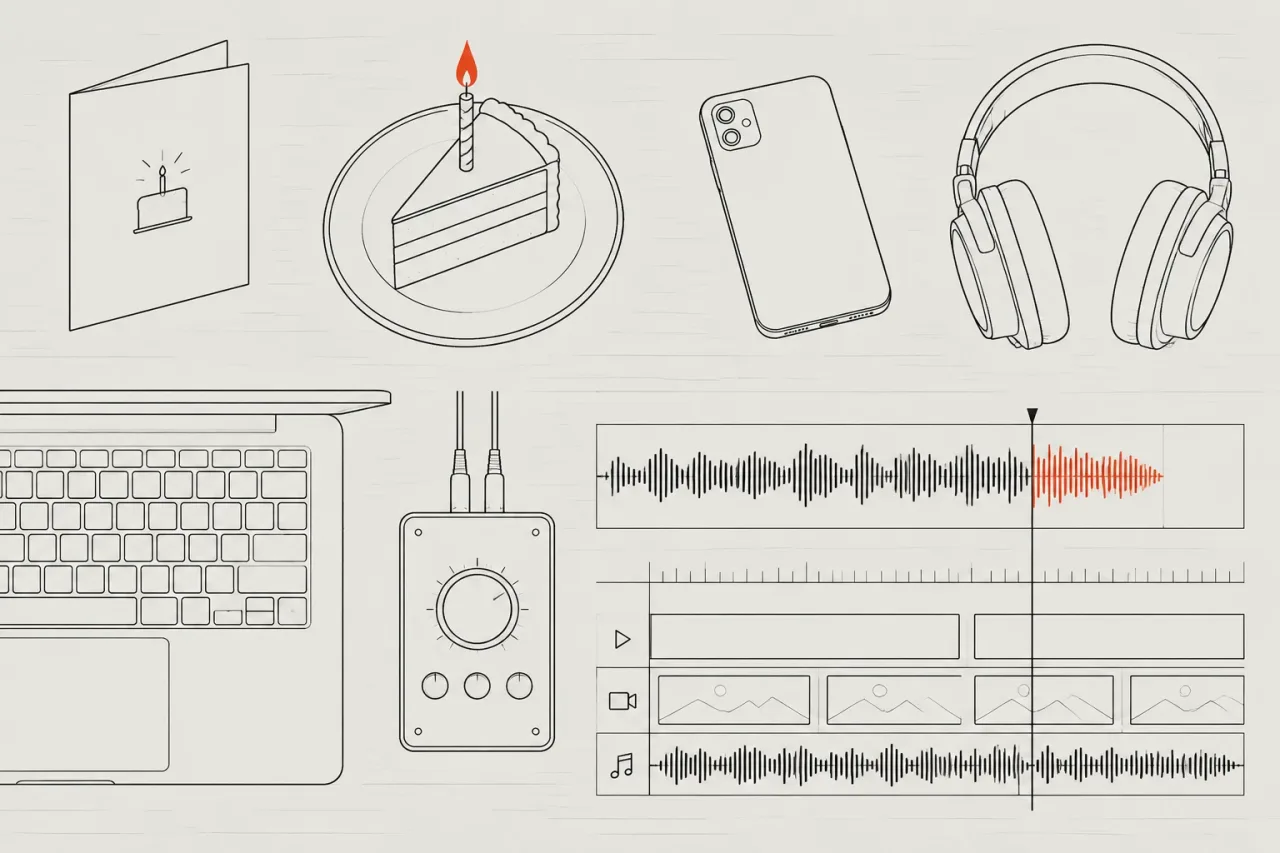
The steps
- 01
Settle the song and the watermark 10 min
Pick the song first. Use one you own, one you made in an AI song tool such as Suno, or generate an original song with vocals in Muzie, which we make. Then settle the watermark: Standard exports carry a small static one, Premium and Ultimate have none. Skip browsing the library for an hour.
- 02
Choose one photo 5 min
Pick one clear photo of the birthday person, face forward, in good light. A pet or a drawing can sing instead. Use only a photo you have permission to use. Skip group photos tonight, because they add choices you have no time for. Crop out other people before you upload.
- 03
Build the video in Muzie 10 min
Open Muzie, which we make, in a browser at app.muzie.ai or on iPhone or Android. Upload the song, add the photo and keep portrait, 9:16, because you will probably send it to a phone. Turn on karaoke captions. Pick one style and stay with it. Skip comparing styles.
- 04
Generate and watch it all 15 min
Start the video and let it finish. Write the card message while you wait. Then watch the whole thing once, with sound, and check that the singer's mouth matches the vocal. Skip tweaking anything until you have seen it from first scene to last.
- 05
Fix one scene at most 10 min
If one scene looks wrong, edit that scene by describing the change, for example a calmer background. Check that the captions show the words correctly. Fix that scene and any caption slip, then stop. Skip rebuilding the whole video. Tonight is for good enough.
- 06
Export and send it 10 min
Export the video and watch it on your phone with the sound up. Send the file in a message, or play it at the party. Keep the watermark decision you made in step one. Skip posting it publicly unless the birthday person agrees.
If it goes wrong
Choosing the watermark late
Decide in step one. If you want no watermark, pick Premium or Ultimate before you build, so you are not paying in a hurry. If a small watermark is fine, Standard exports carry one.
Using a blurry or busy photo
Pick a sharp photo with one face, front on. Crop out other people first. A clear face gives the lip sync something clean to work with.
Fixing everything
Fix one scene and any caption slip, then export. A video sent tonight beats a perfect one sent tomorrow. Use the scene edit instead of starting over.
Using a song you do not own
If the song is by someone else, get permission before you make the video. Use your own song, an AI-made one, or one you have the right to use. This is not legal advice.
Why this order works
The song and the watermark come first, because they are the two choices that can stall you. Once they are fixed, nothing later forces a change of plan. The photo comes next because the video is built around the singer’s face, so swap a weak photo before you build, not after. Watching the full result before you edit means you judge the real thing. One round of fixes, then export, stops you polishing until the party is over.
We make Muzie, so weigh that. It fits this job because one photo becomes the singer, lip-synced to the vocal. A 3-minute song at Normal quality costs about 8.8 tokens a second times 180 seconds, which is about 1,584 tokens, or about $18.60 at the Standard rate of 85 tokens per dollar.
What to leave for another day
Leave group-photo versions, style experiments, a landscape copy and any public post for later. For a stylised animated look, Kaiber is the better fit than a photo singer. For real footage edited to the track, look at Rotor Videos. Shots built by hand in Runway or Pika can wait for a gift with more time.
For the format, read how to pick the right kind of music video. If the song belongs to someone else, read whether you can use a song you do not own before you share it.
Apps that can help
 Muzie A singer on screen performing the whole song, from one photo One photo and a song in, a lip-synced multi-scene music video out. We make it. Free plan Music videos Made by us
 Suno Making the song itself, with vocals Makes the song. Its Visuals clips add short lip-synced video to Suno tracks. Free plan Songs
Related
 Making videosLow effort20 min
Be the singer in your music video without filming
Turn one clear photo and your finished song into a music video where you sing, without filming. Covers photo choice, consent, cost and reuse. Making videosLow effort10 min
Pick the right kind of music video for your song in 10 minutes
Choose between AI-generated scenes, stock footage, abstract visuals or filming yourself, and match your song to the right tool in about ten minutes.Frequently asked questions
Can I make a birthday song video for free tonight?
New accounts in many countries get a few free tokens to try a music video in Muzie, which we make. Standard exports carry a small static watermark, and Premium and Ultimate have none. Whether a free-token export carries one is not stated, so check yours before you send it.
Do I need to have a song already?
No. In Muzie, which we make, you can upload your own song, reuse one from your library or generate an original song with vocals. Suno is another option for the song itself, since it generates full songs with vocals from a text prompt.
What photo works best for a birthday video?
One clear photo with a single face, looking at the camera, in good light. A pet or a drawing can be the singer too. Only use a photo you have permission to use.
Should I make it portrait or landscape?
Portrait, 9:16, suits a video sent to a phone. Landscape, 16:9, suits YouTube. Muzie offers both, and we make it, so for a gift tonight, one portrait video is enough.