Frame rate
Also called: fps, frames per second, FPS
What it means
Frame rate is the number of still images a video shows every second. It is written as fps. At 30 fps, one second of video is 30 images. At 60 fps it is 60. A higher number gives smoother motion and a bigger file. Frame rate is separate from resolution, which counts the pixels in each image.
What it looks like on a spec sheet
Specterr’s free plan exports at 720p and 30 fps. Its paid plans go up to 1080p60 or 4K60, and the Unlimited plan, $79 a month, lists 4K60. Revid lists 30 or 60 fps, next to 720p, 1080p and 4K in beta. Many other tools do not state a frame rate on the pages we read. We leave those blank rather than guess.
The sums are short. A 3-minute song is 180 seconds. At 30 fps that is 180 x 30 = 5,400 frames. At 60 fps it is 180 x 60 = 10,800 frames. A tool has to generate or render twice as many images for the same song.
What tends to help
Pick by what is on screen. Fast cuts, camera moves and visualizer bars that jump on the beat show the gap between 30 and 60 fps. A slow scene with one singer in a still room looks much the same at either.
Then check who controls the setting. On Specterr, 60 fps sits on the paid plans. On Revid, you can see both 30 and 60 listed. If a tool gives no frame rate, ask its support before you pay for a long song.
Read the Specterr entry and the Revid entry for the numbers we recorded and the date we checked them.
Where the term comes from
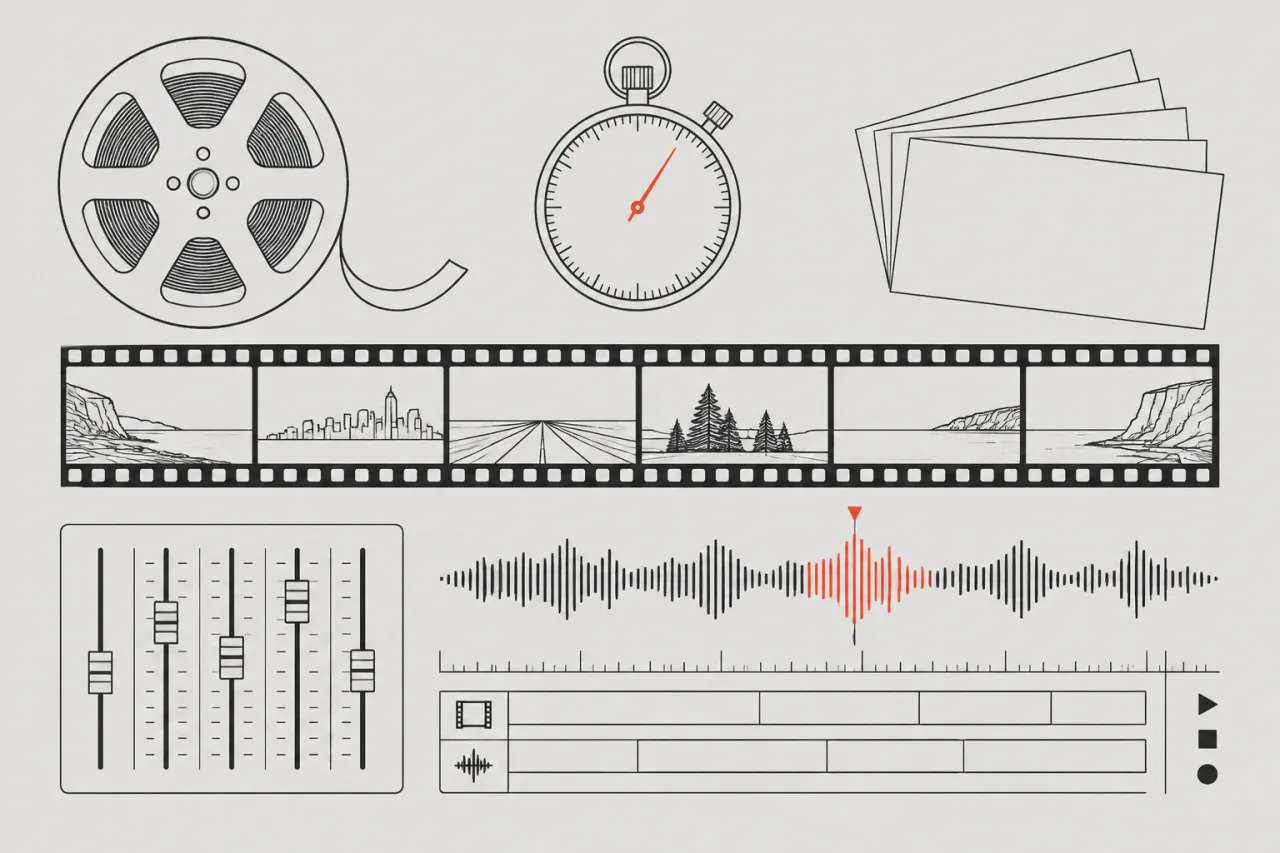
Film cameras exposed a strip of still frames, and a projector ran them past a light in quick order to make motion. The unit stayed when video moved to screens and files.